Want to display your company history, product roadmap, key achievements, and more in a timeline design?
Well, there are multiple WordPress timeline plugins that help you create visually appealing timelines. But Cool Timeline and Timeline Widget are one of the most popular plugins.
Even though both plugins help you create and design the timeline, they both work in different ways and offer different functionalities.
In this blog post, we are going to compare the Cool Timeline and Timeline Widget plugin for you to decide which one is perfect according to your preferences.
What is a Cool Timeline?
Cool Timeline is a powerful WordPress plugin that helps you create a vertical and horizontal timeline to display your company’s history, product roadmaps, personal stories, or key events.
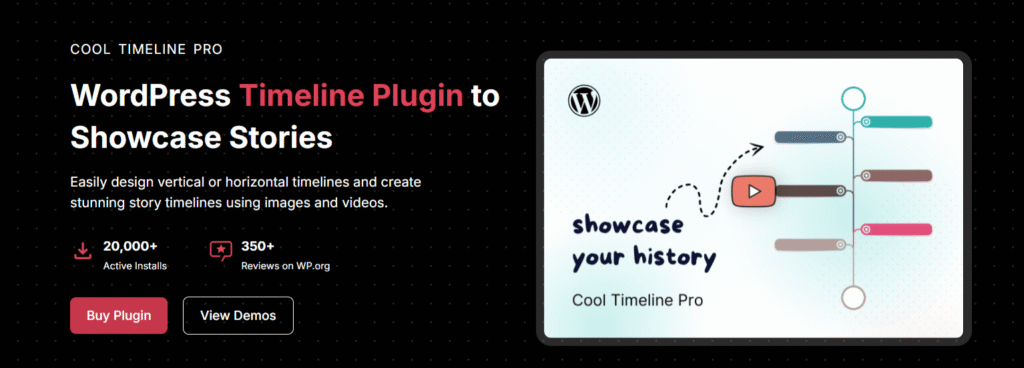
Cool Timeline Pro offers two ways to create timeline stories:
- Gutenberg Timeline Block: With the Gutenberg Block, you can effortlessly add timeline stories directly into your WordPress posts or pages. This block allows you to create a variety of timeline stories, whether you want to showcase a product roadmap, process steps, or highlight significant events.
- Classic Post-type Based Timelines: With the simple timeline shortcode, you can display timelines on any page or post.
What is a Timeline Widget for Elementor?
Timeline Widget for Elementor is a powerful timeline slider plugin that allows you to create vertical and horizontal timelines to showcase your achievements, personal journey, or company history directly inside Elementor.
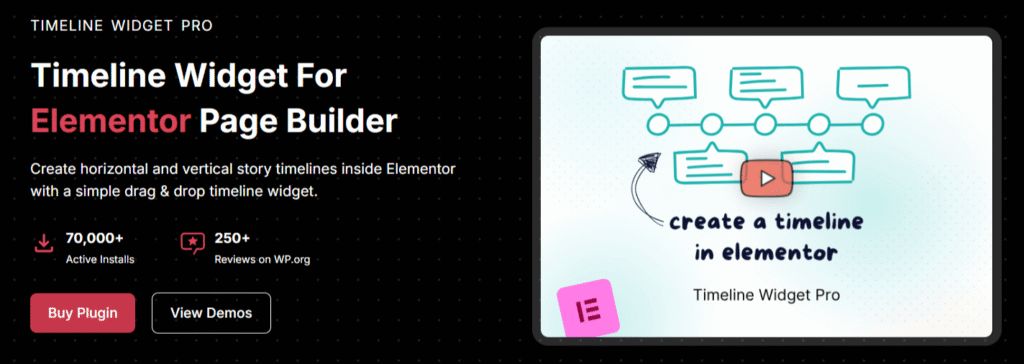
With multiple designs and customization options for colors, fonts, and icons, you can easily design your Elementor timelines according to your brand theme.
Cool Timeline vs Timeline Widget: Feature Comparison
To better understand the differences between the two plugins, let’s compare them based on a few important factors.
Ease of Use
Both plugins are beginner-friendly, but they work in different way.
Cool Timeline Pro works in a more structured way. It offers two different ways to create timelines: Gutenberg Timeline Block and Classic Post-type Based Timelines.
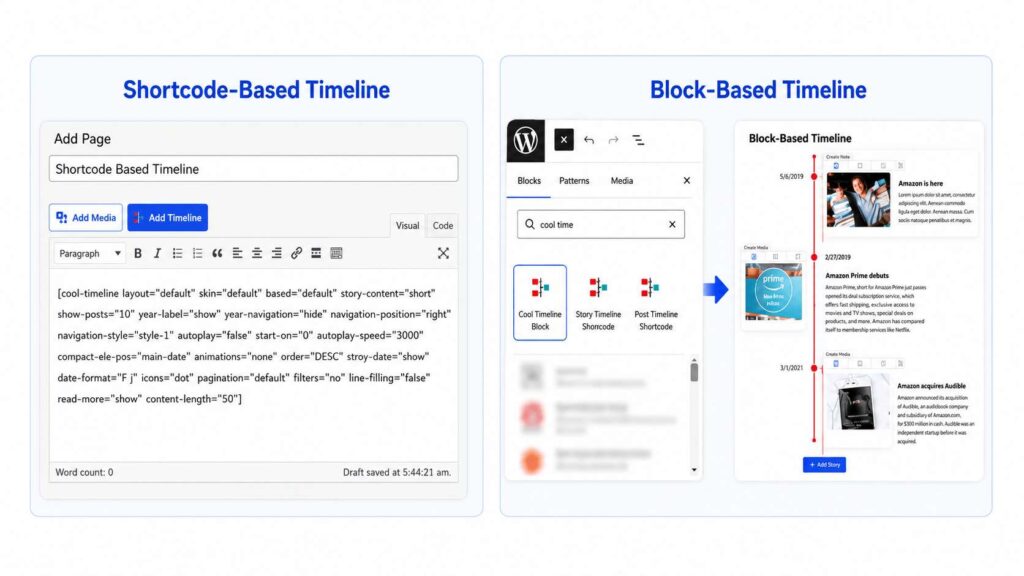
The first method is through the Gutenberg Timeline Block. If you use the default WordPress block editor, you can directly create timeline stories inside your page or post using the timeline block without using a shortcode.
The second method is the classic shortcode-based approach, where you create timeline stories separately from the WordPress dashboard and then display them anywhere on your website using a shortcode.
On the other hand, Timeline Widget for Elementor allows you to create a timeline directly inside Elementor. You can drag the widget onto the page, add your timeline content, and customize the timeline according to your requirements.
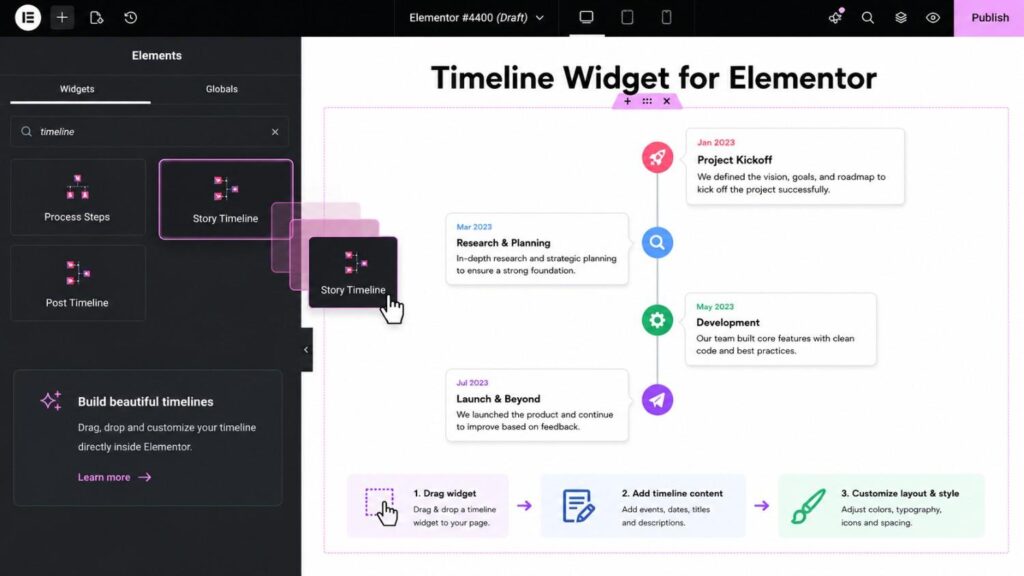
So if you prefer live visual editing, Timeline Widget is the better option. But if you want better content organization, Cool Timeline Pro is the best.
Timeline Layouts
Both plugins support vertical and horizontal timelines.
Cool Timeline Pro gives you more layout variations. You can create one-sided vertical timelines, two-sided vertical timelines, compact layouts, and horizontal timelines. The plugin also supports post-based timelines, which you can use to automatically display blog posts in timeline format.
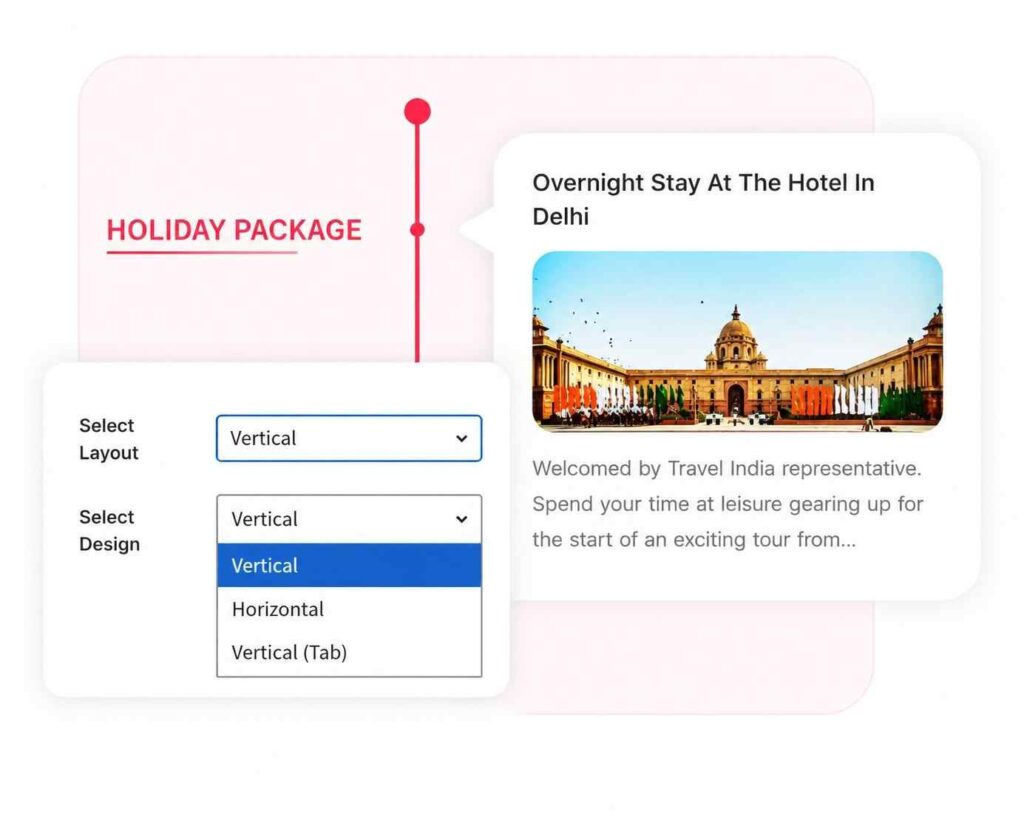
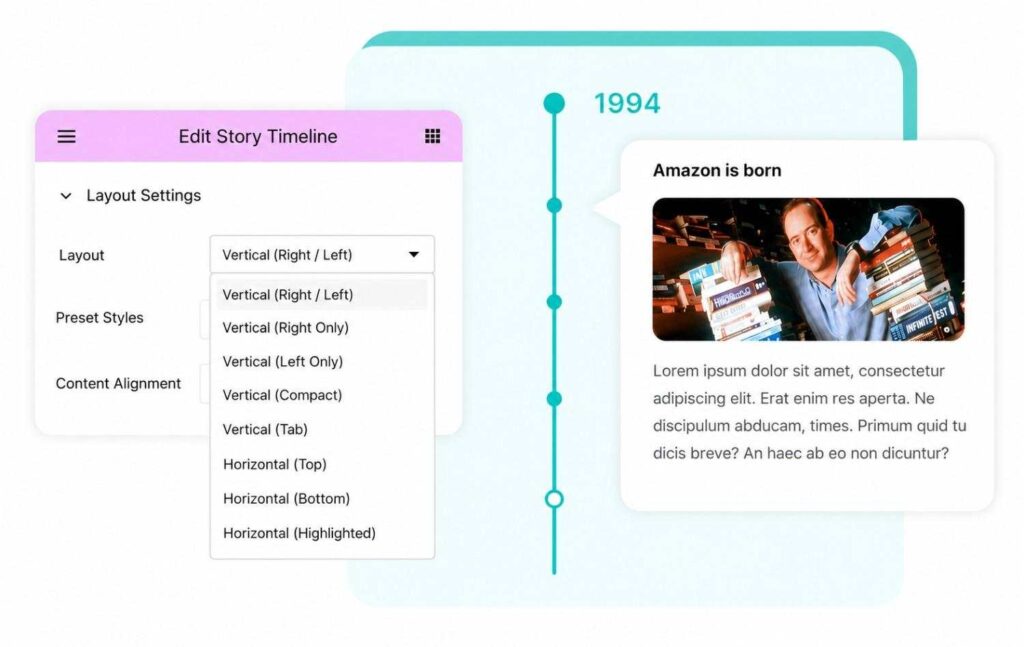
However, Timeline Widget for Elementor offers multiple layout options and focuses more on ready-made Elementor designs. The plugin allows you to create story timelines, process timelines, and post timelines directly inside Elementor via simple drag-and-drop
Shortcode Integration
Shortcode integration is one of the biggest differences between the two plugins.
With Cool Timeline Pro, timelines are created separately from the page builder and displayed using shortcodes.
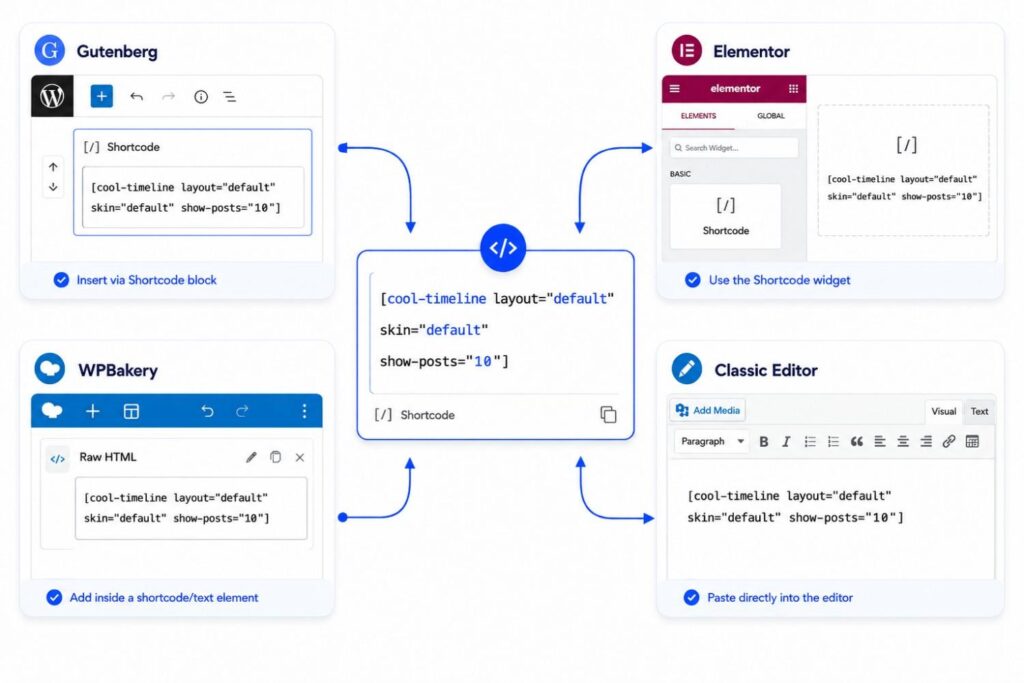
Once you create a timeline, you can insert it anywhere on your website, whether the page is built with Gutenberg, Elementor, WPBakery, or the Classic Editor via shortcode.
On the other hand, Timeline Widget for Elementor works directly inside Elementor. Instead of using shortcodes, you build and customize the timeline visually inside the Elementor editor.
So if you prefer creating timelines directly inside Elementor, consider the Timeline Widget for Elementor. But if you want a timeline solution that works across different editors and page builders, Cool Timeline Pro is the solution.
Customization Options
Both plugins let you customize the timeline design according to your requirements.
With Cool Timeline Pro, customization settings are managed from the plugin panel in the WordPress dashboard. You can easily change timeline colors, typography, icons, date styles, and card designs from one place. The settings are simple and easy to understand, which makes the plugin beginner-friendly.
With the Timeline Widget for Elementor, customization happens directly inside Elementor as the plugin uses Elementor’s design controls.
Page Builder Compatibility
Cool Timeline is fully compatible with different page builders because timelines are added using shortcodes or Gutenberg blocks. Just generate the shortcode and paste it in any page built with Elementor, Gutenberg, WPBakery, or even the Classic Editor.
On the other hand, Timeline Widget for Elementor is built specifically for Elementor. It lets users create and customize timeline stories directly inside the Elementor editor, but it does not support other page builders.
Conclusion
Both Cool Timeline and Timeline Widget for Elementor are powerful timeline plugins, but the right choice depends on how you want to build and manage your timelines.
If you mainly work with Elementor and prefer live drag-and-drop editing, the Timeline Widget for Elementor is a great choice.
However, if you want a more advanced timeline solution that works across Gutenberg, Elementor, WPBakery, and the Classic Editor, then Cool Timeline Pro is the better option.
FAQs
Which is the best timeline plugin for WordPress?
Both Cool Timeline Pro and Timeline Widget are popular WordPress timeline plugins. If you want a timeline plugin that works with Gutenberg, Elementor, WPBakery, and shortcode support, Cool Timeline Pro is the better choice. However, if you only use Elementor and prefer live drag-and-drop editing, the Timeline Widget for Elementor is a good option.
Does Cool Timeline Pro work with Elementor?
Yes, Cool Timeline Pro works perfectly with Elementor. You can easily add timelines inside Elementor pages using shortcodes. Not only Elementor this plugin also supports Gutenberg, WPBakery, and the Classic Editor, making it a flexible WordPress timeline plugin.
Can I create horizontal and vertical timelines in WordPress?
Yes, using Cool Timeline Pro and Timeline Widget for Elementor plugin, you can create horizontal and vertical timelines in WordPress. These layouts are useful for displaying company history, product roadmaps, achievements, milestones, and process steps.
Which timeline plugin supports Gutenberg blocks?
Cool Timeline Pro supports Gutenberg timeline blocks, allowing users to create timeline stories directly inside the WordPress block editor. Timeline Widget for Elementor is designed specifically for Elementor and does not provide Gutenberg block support.
Is Timeline Widget only for Elementor?
Yes, Timeline Widget is built specifically for Elementor users. It allows you to create and customize timelines directly inside the Elementor editor using drag-and-drop controls, but it does not support other page builders like Gutenberg or WPBakery.
Can I display blog posts in a timeline layout in WordPress?
Yes, the Cool Timeline Pro and Timeline Widget plugin allow you to display WordPress blog posts in a timeline format automatically. This feature is useful for creating news timelines, company updates, historical timelines, and storytelling layouts on your website.