From the Style tab, you can customize fonts, colors, spacing, and padding of all timeline story elements.
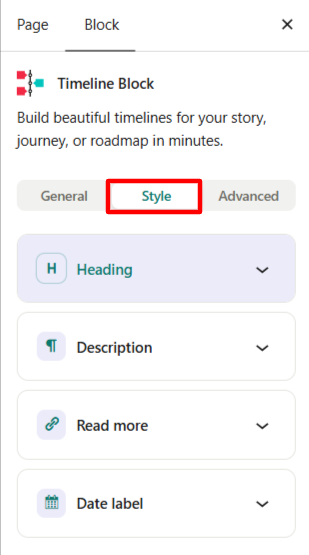
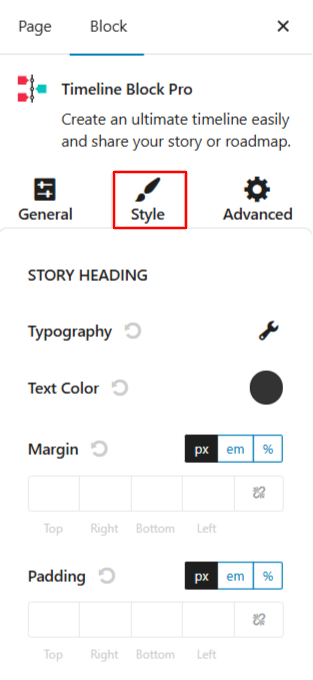
- Heading: Choose the font style, size, weight, and spacing for story titles, customize the color for your story titles, add space around the story heading block (top, bottom, left, right), or add space inside the story heading box before the text begins.
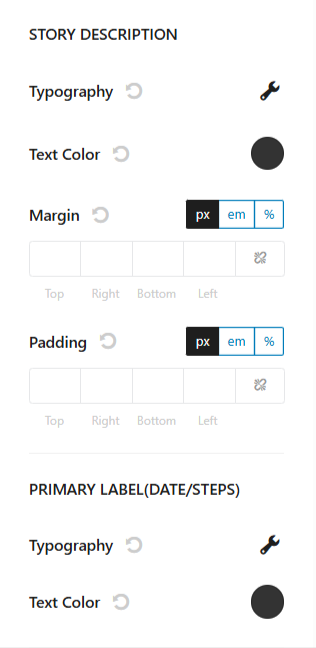
- Story Description: Customize the font family, size, and color of the main story content. You can also adjust the margin and padding around the description area.
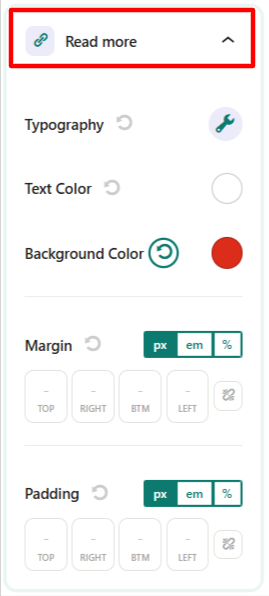
- Read More: Customize the appearance of the Read More link, including its text styling, colors, margin, padding and more using the available settings.
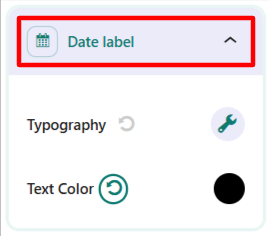
- Date Label: Customize the font settings and text color of the date label displayed on the timeline.
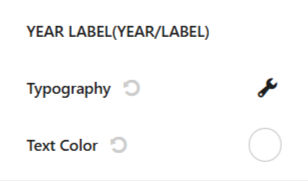
- Year Label: Customize the font settings and text color of the year label displayed on the timeline.