Advance Settings
From advanced settings, you can adjust the design of all timeline story elements like icons, labels, center lines, media, and more.
Download & Install Plugin
Timeline Widget For Elementor is a powerful timeline slider plugin that allows you to create stunning vertical and horizontal timelines to showcase your achievements, personal journey, or company history directly inside Elementor. Try Free Version Skip this step if you have already purchased the Pro version. Timeline Widget Pro is a free Elementor timeline plugin available on the WordPress Plugin […]
Activate License & Updates
To continue receiving automatic updates and access support, you’ll need to manage your Timeline Widget For Elementor Plugin license properly. In this guide, learn how to manage your license key: Where to Find Your License Key? After purchasing the Pro version, your license key will be shared via: Once logged in: Where to Enter License Key? ⚠️ Troubleshooting […]
Get Started
Install Timeline Widget Addon For Elementor Pro Add Timeline Widget Customization Settings
Video Tutorials
Create Story Timeline
Using Timeline Widget For Elementor, you can easily create horizontal or vertical timeline stories directly inside Elementor to represent your company history, product roadmap, personal achievements, and more. Add Story Timeline Widget Follow these simple steps to create a Story Timeline inside Elementor: Timeline Settings Once the story timeline widget has been added, you can […]
Vertical Story Timeline
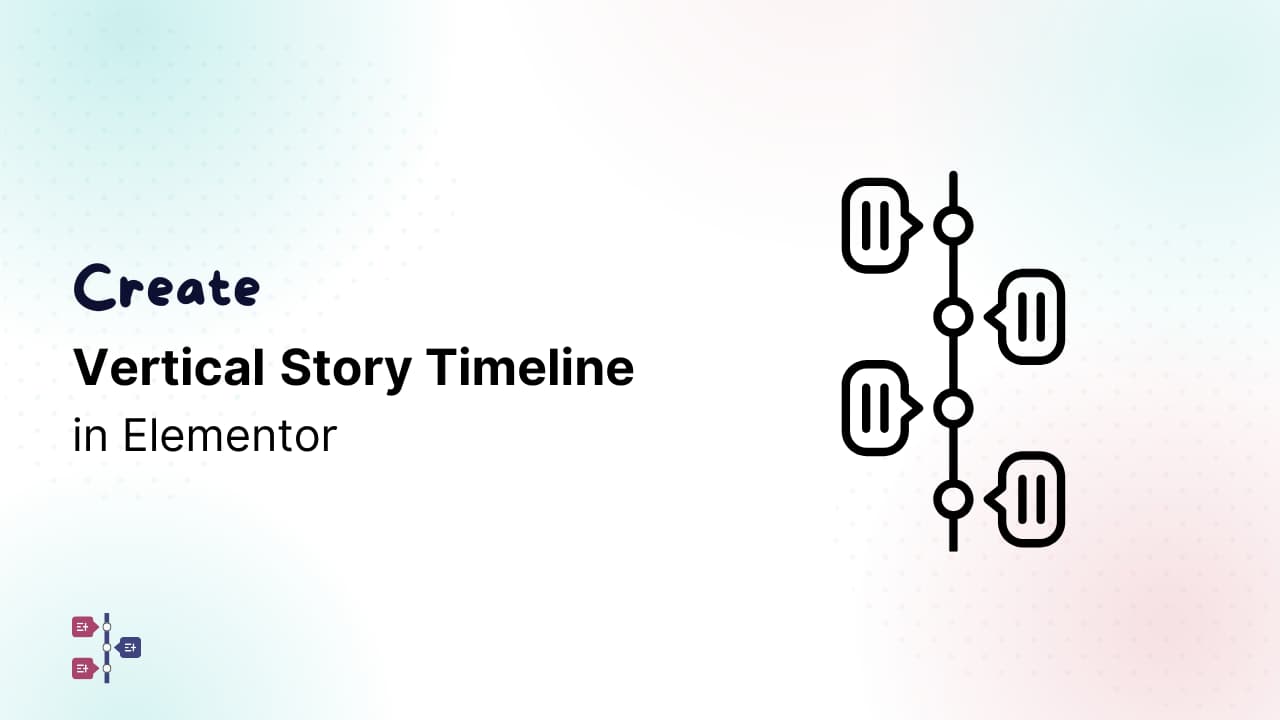
The Elementor Vertical Timeline layout displays your stories from top to bottom. With the Story Timeline Widget for Elementor, you can create a vertical timeline directly inside the Elementor editor without any coding. Add Story Timeline Widget Follow these simple steps to create a Vertical Story Timeline inside Elementor: Timeline Settings Once the widget is […]
Horizontal Story Timeline
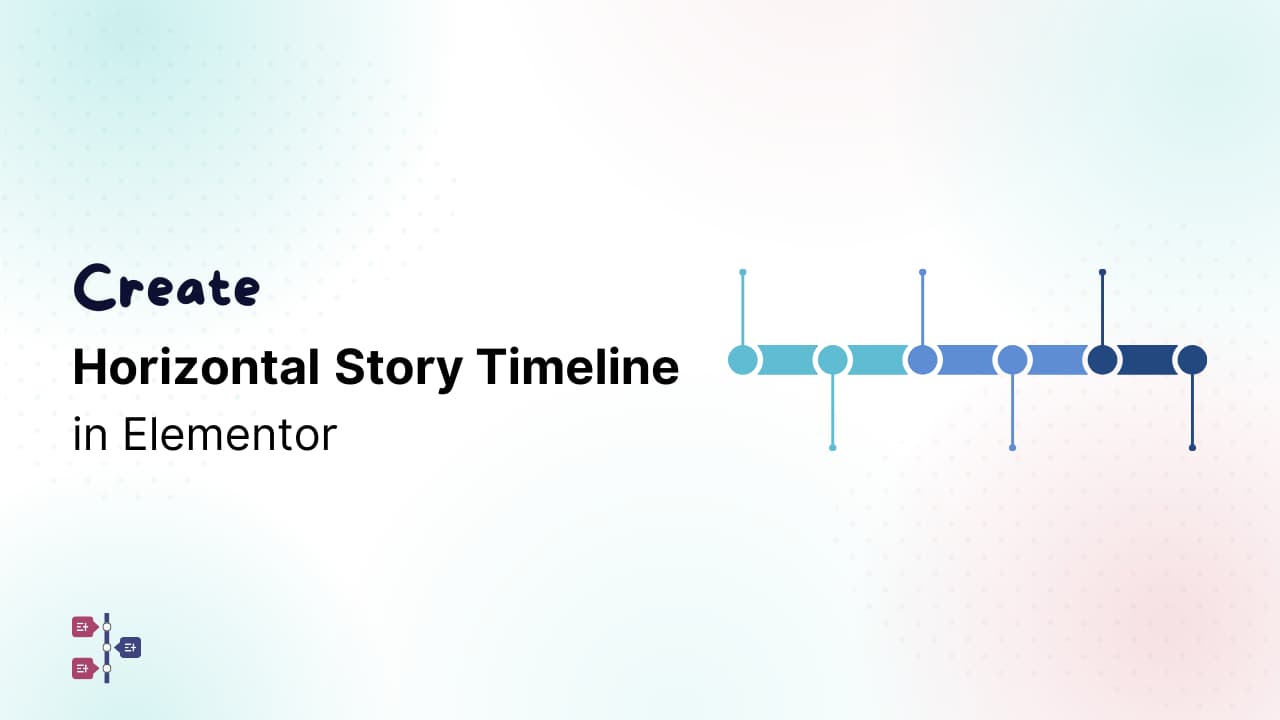
The Horizontal Story Timeline layout allows you to display your stories in a left-to-right direction instead of the regular top-to-bottom flow. With the Story Timeline Widget for Elementor, you can build a horizontal timeline directly inside Elementor. Add Story Timeline Widget Follow these simple steps to create a Horizontal Story Timeline inside Elementor: Timeline Settings […]
Create Post Timeline
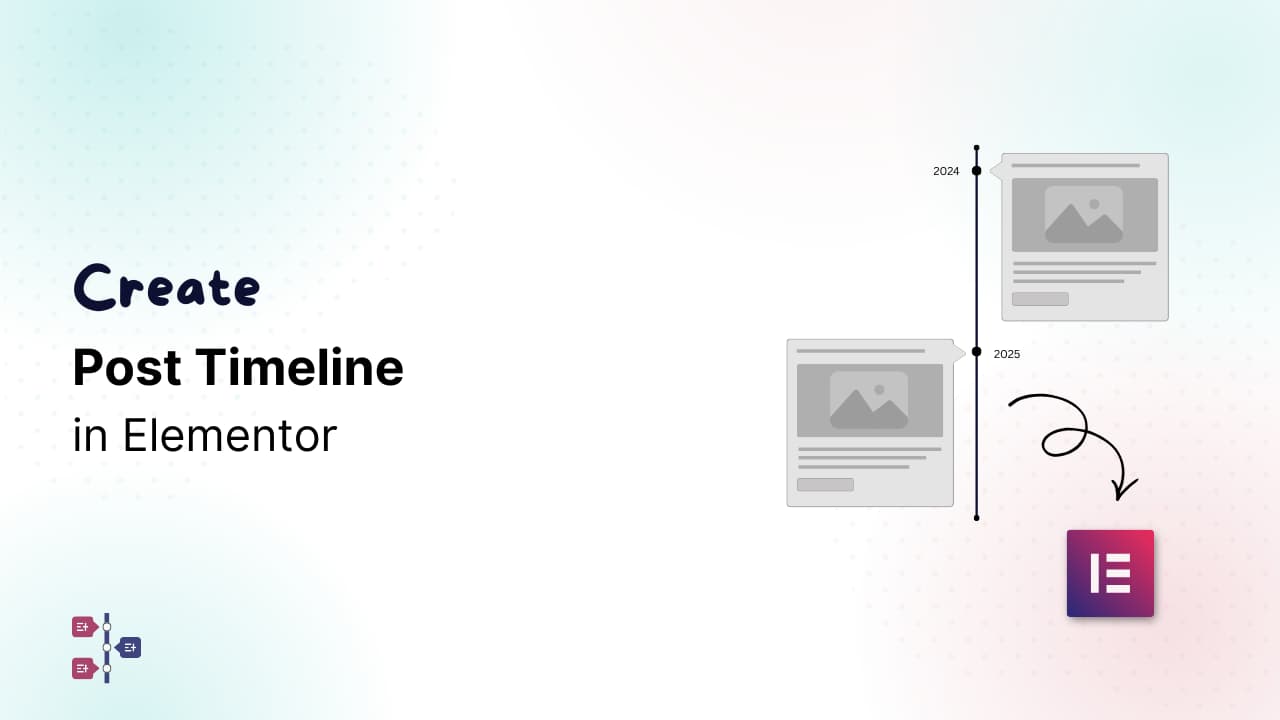
Using Timeline Widget For Elementor Plugin, you can easily show your existing posts inside a timeline layout without adding stories manually. The Post Timeline feature allows you to display your WordPress blog posts in a timeline format. Add Post Timeline Follow these steps to add a Blog Post Timeline inside Elementor: Post Timeline Settings Once the Post […]
Create Process Steps Timeline
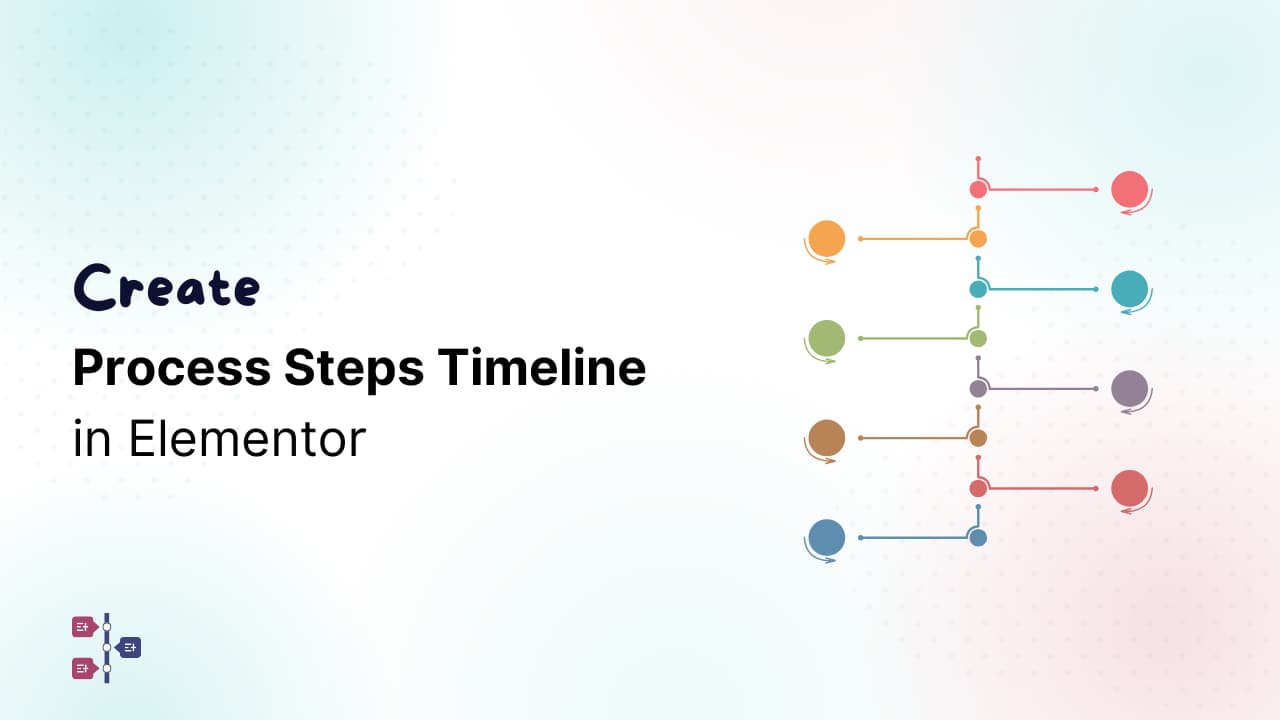
The Process Steps Timeline helps you display step-by-step processes in an organized timeline format. It is useful for showing workflows, instructions, onboarding steps, tutorials, manufacturing processes, business procedures, and more. With the Timeline Widget Pro For Elementor, you can create process steps directly inside Elementor. Add Process Steps Follow these steps to add a Process […]
Translation
The Timeline Widget Pro For Elementor is fully compatible with popular WordPress translation tools, allowing you to create multilingual timelines without any complex setup. All labels, titles, descriptions, and dynamic text added through the widget can be easily translated into different languages using WPML. WPML automatically detects the strings used inside the widget, including story […]
FAQs
Plugin Compatibility Q1: Is the Timeline Widget compatible with Elementor Free and Pro?Ans: Yes, the Timeline Widget works with both Elementor Free and Pro. However, some advanced features or styling options may work better when using Elementor Pro’s design capabilities. Q2: Is the plugin multilingual-compatible (WPML, Polylang, Loco Translate)?Ans: Yes. The plugin supports translation with […]
Changelog (Pro)
Version 2.6.5 (09 September 2026) Version 2.6.4 (07 September 2026) Version 2.6.3 (27 August 2026) Version 2.6.2 (28 July 2026) Version 2.6.1 (27 July 2026) Version 2.6.0 (23 July 2026) Version 2.5.5 (17 July 2026) Version 2.5.4 (18 June 2026) Version 2.5.3 (11 May 2026) Version 2.5.2 (28 April 2026) Version 2.5.1 (1 April 2026) […]
Timeline in WPBakery Page Builder
By default, WPBakery Page Builder doesn’t have any built-in option to create a timeline.However, with the help of the Cool Timeline plugin, you can easily add beautiful and responsive timelines directly inside your pages using WPBakery Page Builder. With Cool Timeline, you can: Default Timeline Stories Follow the steps below to add timeline stories inside […]