Timeline in Divi
You can easily add a timeline inside Divi via a simple shortcode. Even though Divi doesn’t include a dedicated timeline widget by default, but Cool Timeline allows you to display timelines anywhere in your pages built with Divi by pasting a shortcode. Follow these steps to add your timeline to a page built using Divi: Timeline Module For Divi […]
Timeline in Elementor
You can easily add a timeline inside Elementor via a simple shortcode. Even though Elementor doesn’t include a dedicated timeline widget by default, but Cool Timeline allows you to display timelines anywhere in your Elementor pages by pasting a shortcode. Follow these steps to add your timeline in an Elementor page: Timeline Widget Pro for […]
Add Timeline Block
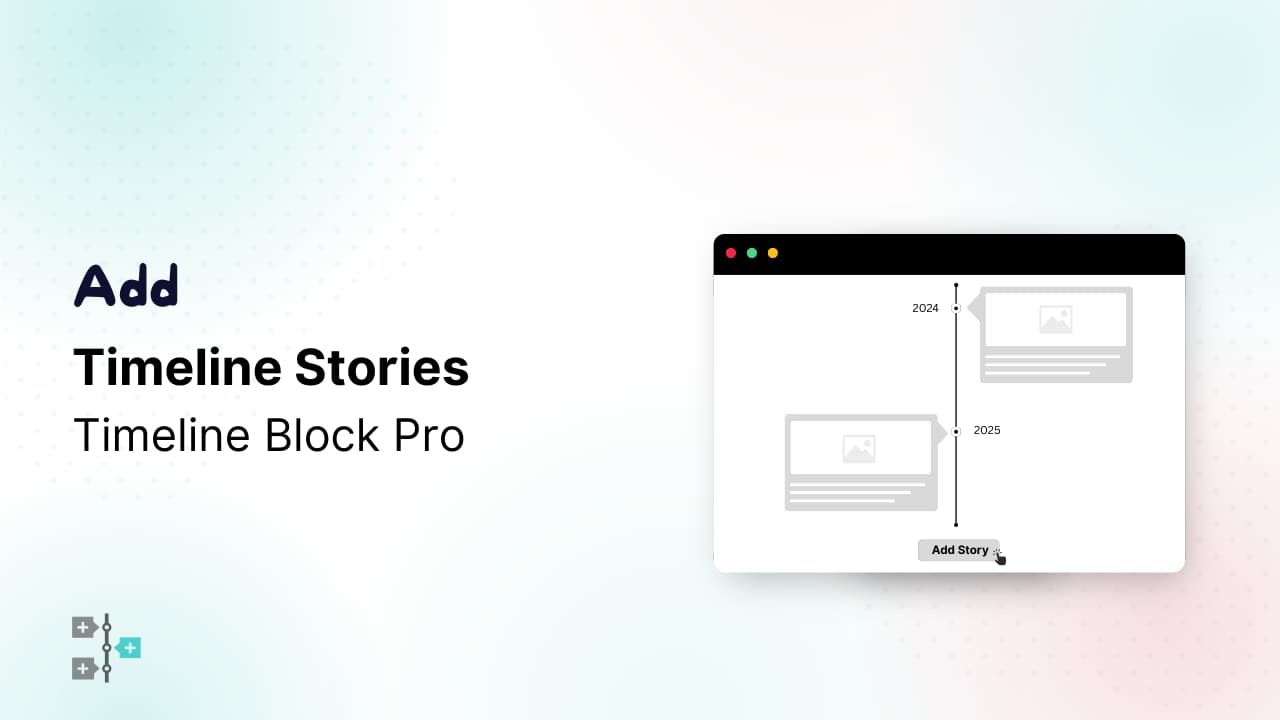
With the Timeline Block For Gutenberg, you can easily create and design beautiful timelines directly inside the Gutenberg editor. Just insert the block into your page or post and configure layout, style, and other options directly from the editor’s settings panel. Add Timeline Block Follow these steps to add a timeline using the Gutenberg Block Editor: […]
Settings (Colors / Fonts etc.)
Using the Cool Timeline plugin, you can easily customize the look of your timeline stories created using a shortcode inside the Classic Editor. You can change colors, typography, backgrounds, and many visual elements to make your timeline perfectly match your website’s style. You can access these settings from: Here you’ll find different sections such as:
General Settings
Using the General Settings in Cool Timeline Pro you can manage basic options for your timeline stories like Custom slug of timeline stories, media display, and more. Follow the steps below:
Style Settings
Using the Style Settings in Cool Timeline Pro, you can customize the background colors, line colors, fonts, and other visual elements according to your website. Follow the steps below:
Typography Settings
Using Typography settings, you can change the font, size, and alignment of your story titles, dates, and content according to your requirements. Follow the steps below:
Translation
Cool Timeline Pro is used by people all around the world, and if you are one of them, you don’t need to worry about language compatibility. The plugin is fully translation-ready and already available in several popular languages. At present, Cool Timeline Pro has been translated into German, Spanish, Indonesian, French, and Italian, so users […]
FAQs
Q1: How to add a new story between two existing stories?Ans: In the Gutenberg block editor, you can easily add a new story between two existing stories without changing dates or order numbers manually. Each story block includes simple up and down arrow buttons at the top toolbar (as shown in the image). These arrows […]
Custom Order Timeline Queries
Q1: How to create a timeline of existing posts?Ans: To create a timeline of your existing posts with Cool Timeline Pro: Once done, publish or update the page, your existing posts will now appear in timeline format automatically. Q2: How to create a timeline of stories before the year 1000?Ans: To create a timeline of […]
Design & Display Queries
Q1: How to show formatted text in Timeline Story?Ans: To display formatted text, inside your Timeline Story, you need to adjust the Story Description setting. If you are using the Shortcode Generator Block, simply select “Full Text” under the Story Description option. This allows the timeline to show complete, properly formatted content instead of a […]
Changelog (Pro)
Version 7.0.1 (18 September 2026) Version 7.0.0 (17 September 2026) Version 6.2.5 (04 September 2026) Version 6.2.4 (27 August 2026) Version 6.2.3 (24 August 2026) Version 6.2.2 (07 August 2026) Version 6.2.1 (27 July 2026) Version 6.2.0 (23 July 2026) Version 6.1.5 (22 July 2026) Version 6.1.4 (02 July 2026) Version 6.1.3 (11 June 2026) […]
General Settings
From General settings, you can customize the layout, design, and alignment of all timeline story blocks.
Style Settings
From the Style tab, you can customize fonts, colors, spacing, and padding of all timeline story elements.