Categories for Multiple Timelines
Using Cool Timeline plugin, you can easily create and display more than one timeline on your WordPress website. What is Timeline Category A Timeline Category helps you organize your timeline stories into different groups. Each category group related timeline stories together. By using categories, you can create separate timelines and display them in different places […]
Create Timeline Via Shortcode
Cool Timeline allows you to display your timelines inside pages, posts, or even widgets using shortcodes without needing to use any third-party blocks. What is Timeline Shortcode? A shortcode is a simple code snippet that you can insert into your WordPress posts, pages, or widgets to display timelines. Think of it as a command that […]
Download & Install Plugin
Timeline Block Pro For Gutenberg is a powerful plugin built specifically for Gutenberg that helps you create interactive timelines directly within the WordPress Block Editor to display step-by-step tutorials, a company’s history, and a product roadmap. Try Free Version Skip this step if you have already purchased the Pro version. The free version of Timeline […]
Vertical Timeline Via Shortcode
A vertical timeline displays your stories from top to bottom, showing events in chronological order. Cool Timeline allows you to display a vertical timeline anywhere on your WordPress website using a simple shortcode. You can add this shortcode inside your pages or posts using either the Classic Editor or the Gutenberg Block Editor. Add Vertical […]
Activate License & Updates

To continue receiving automatic updates and access support, you’ll need to manage your Timeline Block For Gutenberg Plugin license properly. In this guide, learn how to manage your license key: Where to Find Your License Key? After purchasing the Pro version, your license key will be shared via: Once logged in: Where to Enter License Key? ⚠️ Troubleshooting […]
Horizontal Timeline via Shortcode
A horizontal timeline displays your stories or events in a left-to-right direction instead of the traditional top-to-bottom format. Cool Timeline allows you to display a horizontal timeline anywhere on your WordPress website using a simple shortcode. You can add this shortcode inside your pages or posts using either the Classic Editor or the Gutenberg Block Editor. Add Horizontal Timeline in […]
Create Blog Post Timeline
Using the Cool Timeline Plugin, instead of showing your posts in the usual blog list or grid style, you can show them in a visually appealing timeline format. Not only blogs, but you can also display other post types like news updates, project milestones, product releases, or event stories. What is Post Timeline? A Post […]
Vertical Post Timeline
A Vertical Post Timeline displays your website posts (like blogs, news, or updates) in a top-to-bottom timeline layout. Each post appears as a separate timeline story with its title, featured image, date, and short description. You can create a vertical post timeline easily using either the Classic Editor or the Gutenberg Block Editor. Add Vertical Post Timeline in […]
Horizontal Post Timeline
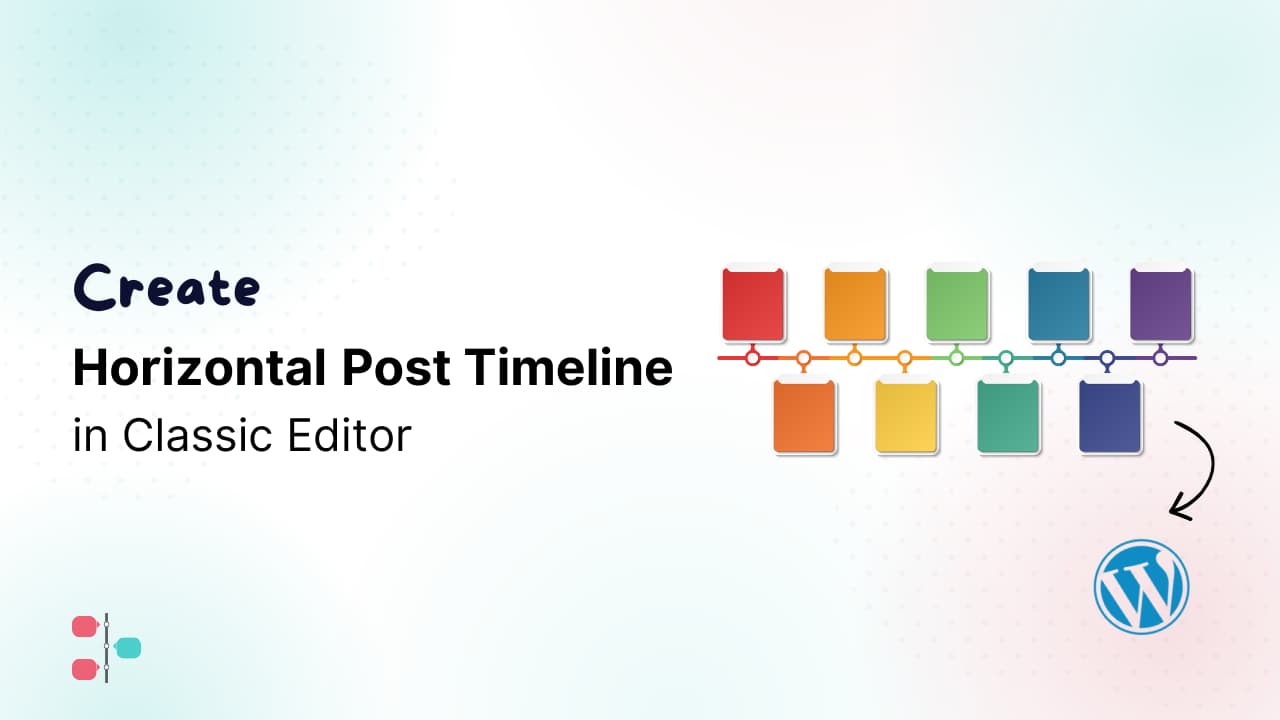
A Horizontal Post Timeline displays your WordPress posts in a left-to-right layout instead of the traditional top-to-bottom format. Each post appears as a separate timeline story with its title, featured image, date, and short description. You can create a horizontal post timeline easily using either the Classic Editor or the Gutenberg Block Editor. Add Horizontal Post Timeline in Classic […]
Get Started
Install Timeline Block Pro Add Timeline Block Add Timeline Stories Timeline Block Pro Settings
Create Timeline Stories Via Gutenberg Block
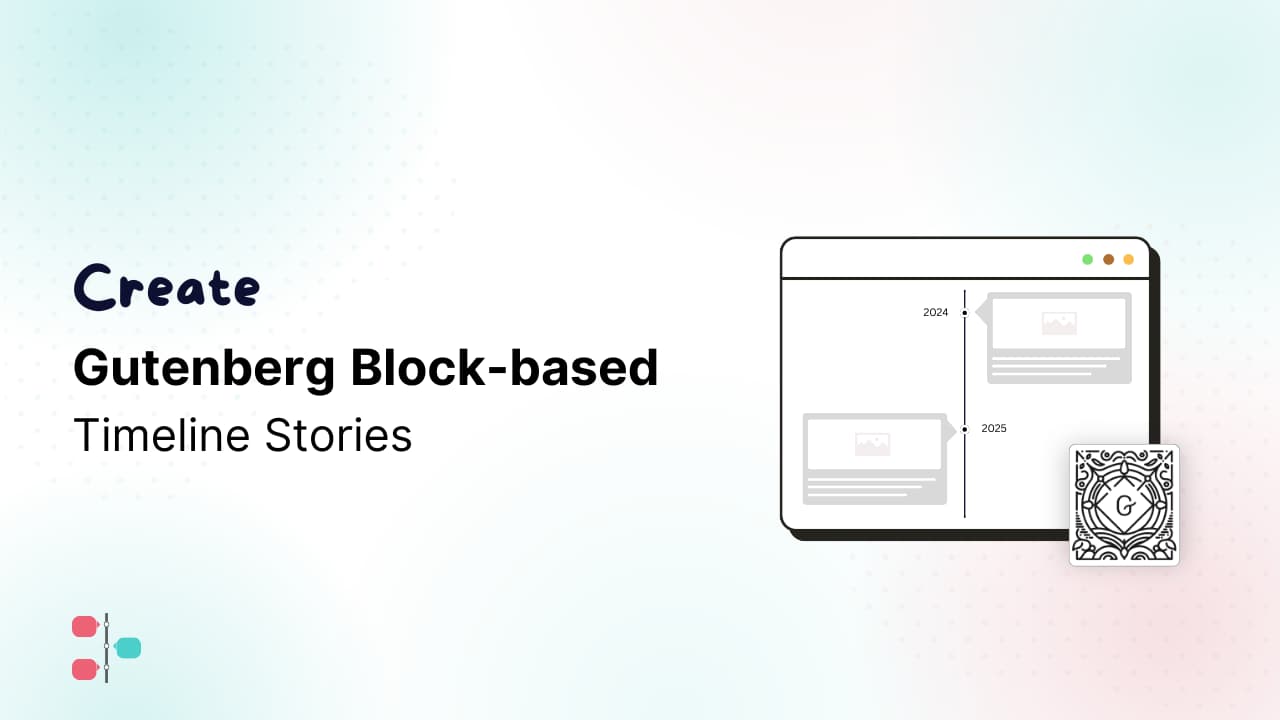
With the Cool Timeline Gutenberg Block, you can easily create and design beautiful horizontal and vertical timelines directly inside the Gutenberg editor, without using any shortcode. Just insert the block into your page or post and configure layout, style, and other options directly from the editor’s settings panel. Add Timeline Block Follow these steps to […]
Video Tutorials
Add a Timeline in Bricks Builder
Using Cool Timeline you can easily create and customize beautiful story timelines directly inside the Bricks Builder. You can add timeline stories, images, videos, icons, dates, navigation, pagination, animations, and more without using shortcodes. All timeline settings are available directly from the Bricks Builder panel. Add Story Timeline Widget Follow these steps to add your […]
Create Timeline in Page Builders
Cool Timeline integrates smoothly with popular page builders like Elementor, Divi, or WPBakery Page Builder to make timeline creation simple. You can easily design timelines right inside your editor by simply pasting the Cool Timeline Shortcode. Default Cool Timeline Shortcode: When you paste this shortcode inside a page builder, it automatically loads your timeline layout […]